Discover DatoCMS in real time: a new column on the Cantiere blog
Dato, the CMS we use to build our clients' websites, evolves fast and keeps shipping features that users often miss, which is a real shame. So we decided to publish this series of articles covering what's new in the back-end as it's released, and showing our clients how to get the most out of it.
Dato, the CMS we use to build our clients' websites, evolves fast and keeps shipping features that users often miss, which is a real shame. So we decided to publish this series of articles covering what's new in the back-end as it's released, and showing our clients how to get the most out of it.


Using software-as-a-service (SaaS) lightens, or even eliminates, the burden of maintenance, server management, updates, disaster recovery and countless related tasks. It also lets users watch the product evolve with new features, practically for free! That's what happens with every web project we've built on DatoCMS over the last five years.
I've realized that our own clients often miss this important, highly valuable aspect of the product they use every day. That's why I decided to create and curate a column that can showcase what's new in the CMS right away and teach how to make the most of it.
DatoCMS was born at Cantiere Creativo several years ago, out of our need as an agency for a solid, effective and versatile solution to build our clients' websites. So a large share of our projects relies on this very product and on the ecosystem around the headless world, or Jamstack, if you prefer.
Dato is now a spinoff flying on its own wings, led by Stefano @steffoz Verna, and used by organizations such as Dropbox, Linkedin, Vercel, Hashicorp and many other clients worldwide. Its bond with Cantiere Creativo is still very strong, giving us a real edge: in-depth knowledge of the product, insight into how complex headless architectures are built and, last but not least, the chance to see and test new features as they emerge.
I'm kicking off this column with the latest gem, just released 😉💥
Quick search
A simple search, what's the big deal?! But try picturing a few scenarios:
- An editorial team has to manage a large volume of content, perhaps within a complex structure of models, modular content and relationships.
- An Information Architect wants to understand how content is being entered into the structure they so carefully designed.
- A content manager wants to see at a glance whether a certain keyword appears in pages, blog posts or products, and where.
Until now, each of these people would have had to browse the individual models, combing through records; the more savvy could have searched using the powerful filter system, which takes some effort to configure for specific content.
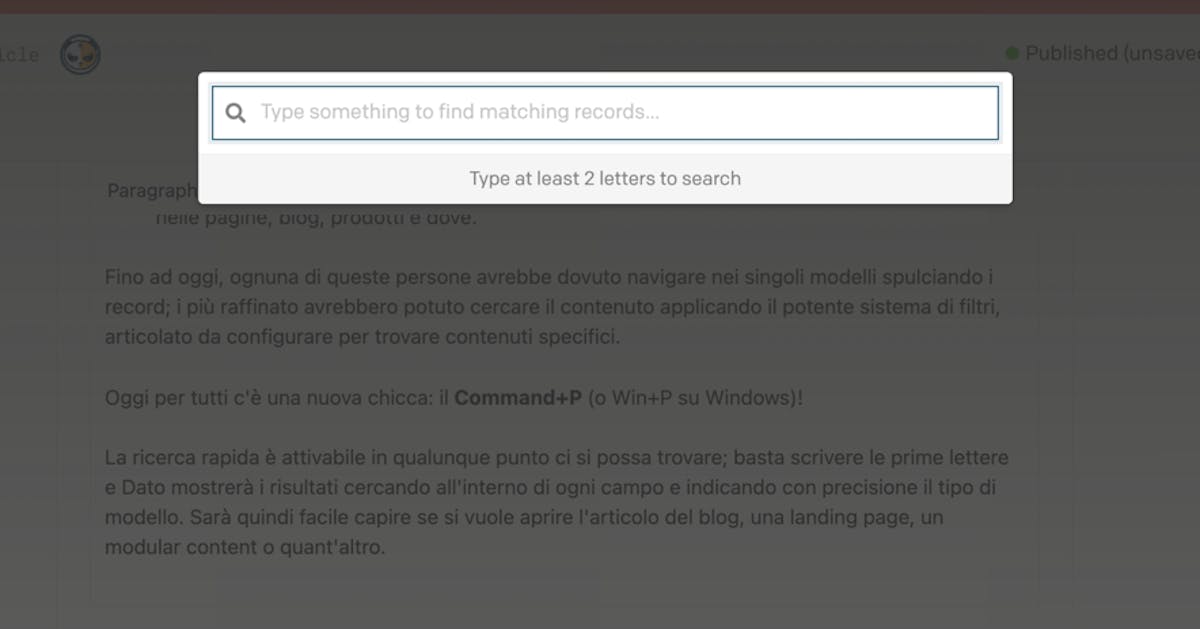
Today there's a new gem for everyone: Command+P (or Win+P on Windows)!
You can open quick search from anywhere 👇

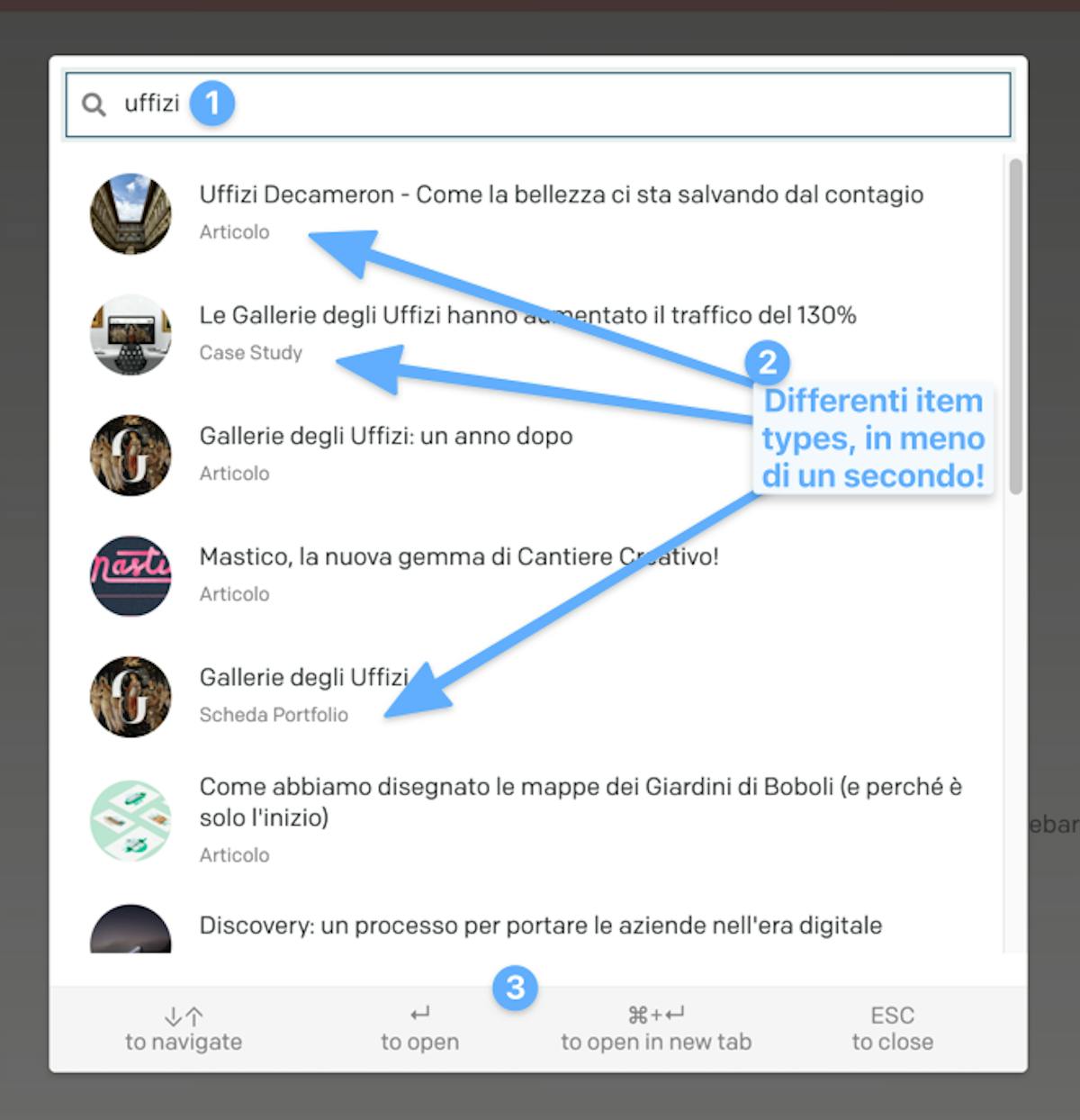
Just type the first few letters and Dato shows the results, searching every field and precisely indicating the model type. So it's easy to tell whether you're opening a blog post, a landing page, a modular content block or anything else.
You can then open any result in a new window. Easy as 1, 2, 3!
👋